Admit it, it is frustrating.
Searching for good quality free WordPress themes is frustrating and hard.
A plethora of options available on the internet, its like searching needle in a haystack.
If you are looking for the best of the best WordPress theme available for free, then you are at the right place. This collection of the most popular free WordPress themes will help you find what you seek.
I have spent days and hours preparing this list for you. I looked at over 2000+ Free themes available and picked only the best of the best so that you don’t have to.
Then again, I refined the list to prepare this final list, which I am going to show you below.
The Free WP themes that made into this list are quality coded, tested, have nice professional design and well thought out structure. This will make your blog, portfolio or business website serve its purpose more effectively.
These themes are here in this list for a reason. Whichever you choose, you will be well on your way to creating a great website.
For your convenience, I have grouped this list with themes for a similar niche. Such as Blog, Magazine, Business, Food & Recipe etc. so you can take a look at similar themes together.
Feel free to skip to the kind of theme you are looking for.
So, let us get started and find out the WordPress theme you have been looking for.
Table of Contents
Best, Most Popular, Free WordPress themes
Some themes are so good, everyone wants it. Following are the WordPress themes which have the most active installations. Hundreds of thousands of websites use them.
 Customizr
 Generate Press
 Hestia
 Karuna
 Materials
 Mesmerize
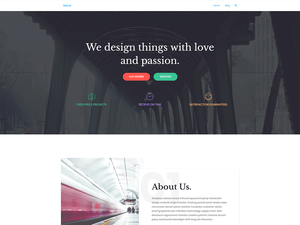 Neve
Neve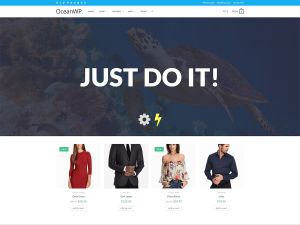 OceanWP
 OnePress
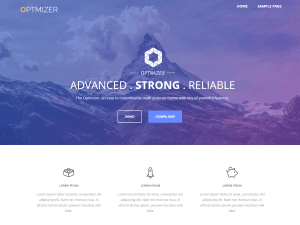 Optimizer
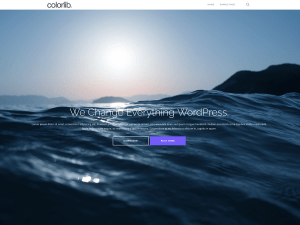 Shapely
 Spacious
 Sydney
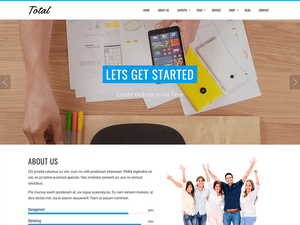 Total
Total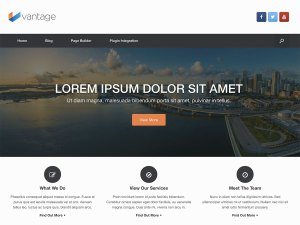 Vantage
 Vega
Vega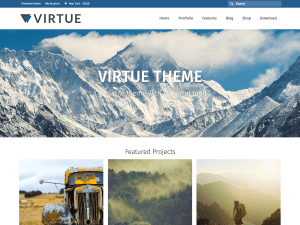 Virtue
![101 BEST Free WordPress themes [2023] 1](https://cssace.com/wp-content/uploads/free-wordpress-themes/astra.jpg) Astra
AstraThese popular themes are the ones where the creators actively support it. They also have a premium version available with more features and free support. So if you want hand-holding and support, these are the themes to go for.
Unlimited Graphic Design Services
Along with the theme, you’d need attractive graphics to spice up your webpage. There are unlimited graphic design services available that you can use at a low cost. A dedicated team ready for any of your graphic design need. Now, onto our best themes list.
Best Free Blog WordPress Themes
If blogging is the primary purpose of your personal or professional website, you should use one of the following themes for blogging. Do not go after feature rich themes. Instead, pick one of these themes where content is the king.
 Ashe
Ashe Foodica
 Kale
Kale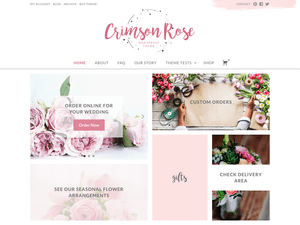 Crimson Rose
 Feather Magazine
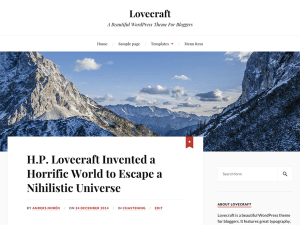 Lovecraft
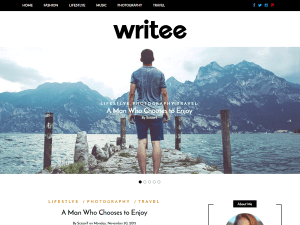 Writee
 Activello
 Hive
Hive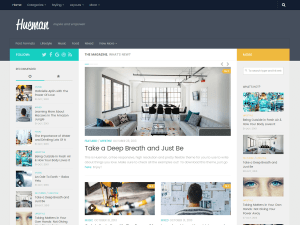 Hueman
 Savona
 Savona Classic
 Nisarg
 Blossom Chic
![101 BEST Free WordPress themes [2023] 2](https://cssace.com/wp-content/uploads/free-wordpress-themes/ariel.png) Ariel
Ariel
Best Free Magazine WordPress Themes
If you are publishing news regularly and need to show several headlines, images and other content on the homepage itself, then selecting one of the following free magazine themes would be a better choice.
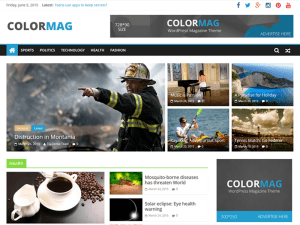 Colormag
 Mission News
 MH Magazine
 Typecore
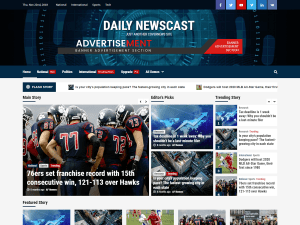 Daily Newscast
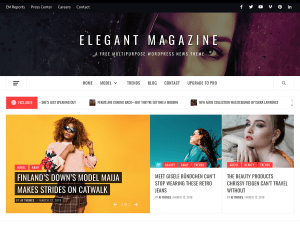 Elegant Magazine
![101 BEST Free WordPress themes [2023] 3](https://cssace.com/wp-content/uploads/free-wordpress-themes/travel-magazine.png) Travel Magazine
Travel Magazine MH Sports Magazine
Best Free Ecommerce WordPress Themes
If you are selling merchandise, selecting one of the specific niche theme is recommended. Yes, other themes support e-ecommerce themes but the following themes are created especially for e-commerce and it would be wise to use them over others.
 StoreFront
 Shopisle
![101 BEST Free WordPress themes [2023] 4](https://cssace.com/wp-content/uploads/free-wordpress-themes/vw-ecommerce-shop.png) Ecommerce Shop
Ecommerce Shop
Best Free Business WordPress Themes
If you are using WordPress to create a business website where the homepage is not a blog, use one of the following themes to create a site for your business.
 Airi
Airi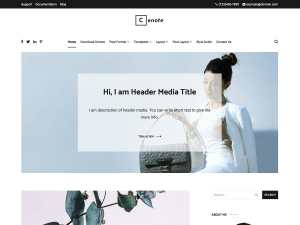 Cenote
 Finance Up
 Coup Lite
 Fincorp
 VW Corporate
 VW Startup
 Norton
![101 BEST Free WordPress themes [2023] 5](https://cssace.com/wp-content/uploads/free-wordpress-themes/agama.png) Agama
Agama
Best Free Gutenberg Block editor ready themes
If you are a web designer or developer and want to use latest gutenberg editor in WordPress, following themes are built for this very purpose.
 Atomic Blocks
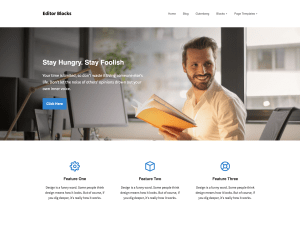 Editor Blocks
![101 BEST Free WordPress themes [2023] 6](https://cssace.com/wp-content/uploads/free-wordpress-themes/coblocks.png) Co Blocks
Co Blocks
Best Free WordPress Theme Framework / Starter themes for developers
Again, if you are a web designer who wants a clean slate for your project and want to style it the way you want, using one of these themes would be a wise choice.
 Nude
Nude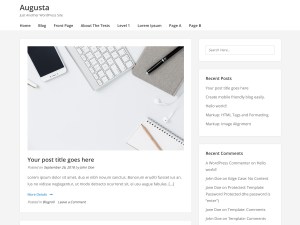 Augusta
![101 BEST Free WordPress themes [2023] 7](https://cssace.com/wp-content/uploads/free-wordpress-themes/wp-bootstrap-starter.jpg) Bootstrap Starter
Bootstrap Starter
Best Free Minimal WordPress Themes
Following are the themes where content is king. If you are writing compelling content, use one of the following themes to make your content and images stand out.
 Envy
Envy Yugen
Yugen Minimalist Portfolio
 Alto Focus
![101 BEST Free WordPress themes [2023] 8](https://cssace.com/wp-content/uploads/free-wordpress-themes/anissa.png) Anissa
Anissa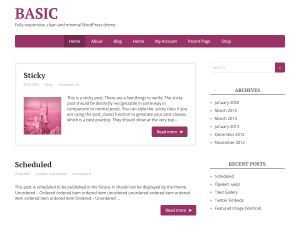 Basic
Basic
Best Free Portfolio WordPress Themes
If you wish to use WordPress to showcase your best work, use one of these popular WP themes for your portfolio.
 Clean Portfolio
 Foliopress
 Perfect Portfolio
Best Free Photography WordPress Themes
These themes are built to showcase your photos. Using one of these themes would make sure not the theme design but your photos are in the center stage.
 Clean fotografie
 Morphology
 Catch Fullscreen
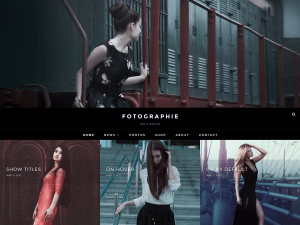 Fotografie
![101 BEST Free WordPress themes [2023] 9](https://cssace.com/wp-content/uploads/free-wordpress-themes/richone.png) Richone
Richone Photozoom
Best Free Restaurant WordPress Themes
Creating a restaurant website? Use of the themes for your restaurant.
 Dyad
Dyad Marjorim
 Counter
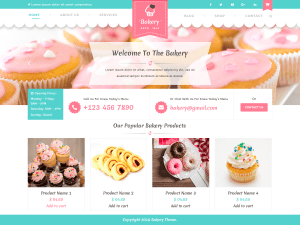 VW Bakery
![101 BEST Free WordPress themes [2023] 10](https://cssace.com/wp-content/uploads/free-wordpress-themes/restaurant-recipe.jpg) Restaurant Recipe
Restaurant Recipe
Best Free Hotel WordPress Themes
Following themes are built to showcase hotels and they have important elements at the right place for hotel website.
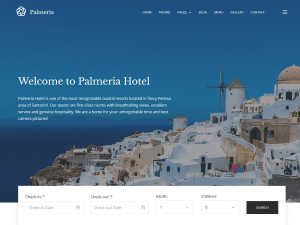 Palmeria
 Swing Lite
![101 BEST Free WordPress themes [2023] 11](https://cssace.com/wp-content/uploads/free-wordpress-themes/hotelpne.png) Hotelone
Hotelone
Best Free Niche WordPress Themes
WP can be used for variety of websites. If you wish to use it for a specific niche, following are the themes built for different niche specific purposes.
![101 BEST Free WordPress themes [2023] 12](https://cssace.com/wp-content/uploads/free-wordpress-themes/construction-company.png) Construction Company
Construction Company Spa and Salon
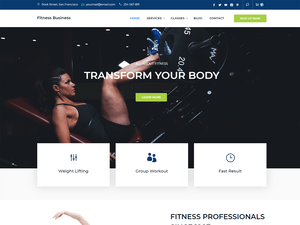 Fitness Business
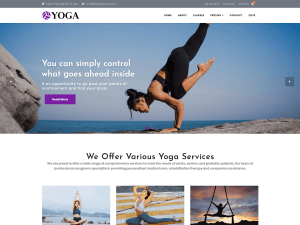 Yoga
Yoga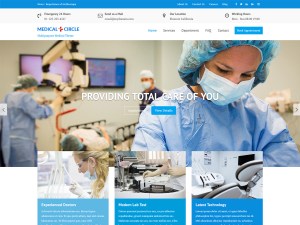 Medical Circle
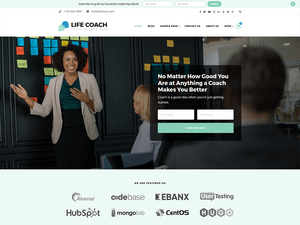 Life Coach
 Book Landing
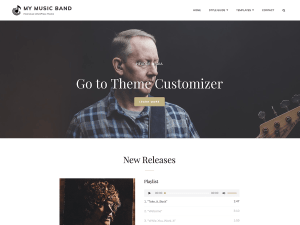 My Music Band
![101 BEST Free WordPress themes [2023] 13](https://cssace.com/wp-content/uploads/free-wordpress-themes/audioman.png) Audioman
Audioman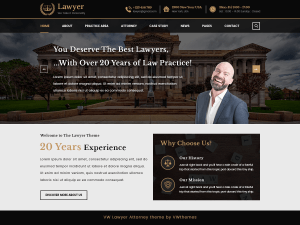 VW Lawyer
 VW Mobile App
 Event Planners
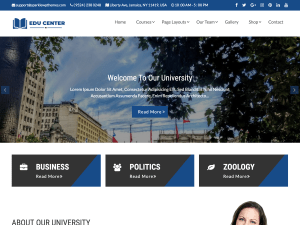 Edu Center
![101 BEST Free WordPress themes [2023] 14](https://cssace.com/wp-content/uploads/free-wordpress-themes/textbook.png) Textbook
Textbook Travel Agency
![101 BEST Free WordPress themes [2023] 15](https://cssace.com/wp-content/uploads/free-wordpress-themes/travel-insight.png) Travel Insight
Travel Insight![101 BEST Free WordPress themes [2023] 16](https://cssace.com/wp-content/uploads/free-wordpress-themes/rt-portfolio.png) RT Portfolio
RT Portfolio One Pageily
A best WordPress theme is the one that is…
- Fast and SEO friendly
- Has modern design as per current trend
- Mobile friendly. And works well and looks nice in any device
- Site/blog structure created to match your and your audience goals.
- Compatible with other important, popular WP plugins
- Quality coded, secure code
- Free of junk, bloated code
Depending on your requirement, other important factors to look for is whether it is translation ready? Does it support RTL format? Is good documentation for the theme available? etc.
The Free WordPress themes list above is provided for your ease of access.
Now, we will explore each of these themes to know more about them.
Customizr theme – Free WordPress Themes
With over 90000+ active installs and hundreds of 5-star reviews, customizr theme is an ideal theme for business websites. The theme is structured to ideally work non-blog websites such as business, portfolio etc.
Right after installation, it recommends installing Nimble builder plugin, created by the same company so you can edit the site. As its name suggests, it allows you to customize your website the way you want. Basic options include logo upload, set page, post or images as featured content in the homepage slider. Also, you can choose any Google fonts that match your brand. You may also apply a specific page layout on a page or post basis.
Under the hood, a the Customizr theme has been coded to ensure that your website loads fast which is very important for good user experience.
The theme adapts to any devices to work nicely with desktop, tablets or smartphones. Also, the WordPress theme is compatible with all the major browsers. The theme is optimized for SEO which is very important for any online business these days.
The team behind customizr theme has been working on maintaining this theme with over 5 years of development and improvements. Translated in over 20 languages so you can use the theme in your native language.
GeneratePress
Over 100,000 installs and hundreds of reviews, stats of this WP theme speaks of its popularity. Authors of this theme focus on keeping this theme very lightweight. Built with a focus on performance, speed and usability. It takes full advantage of the new block editor (Gutenberg), which gives you more control over creating your content. If you wish to use a page builder, GeneratePress is the right theme for you as it is compatible with all major page builders, including Beaver Builder and Elementor.
Speed is one of the most important aspects of your website. This theme is kept lightweight as much as possible with clean and code it makes things possible. For example, If a file is not needed, it doesn’t load it. That includes jQuery as well.
Since the team focuses on WordPress coding standards, it boasts full compatibility with all well-coded plugins, including WooCommerce, Yoast SEO etc. The GeneratePress theme is fully responsive and is translated into over 25 languages by a community of users.
The theme is Search Engine Optimized with validated HTML, built in schema.org structured data and lightning fast load time. The theme is Accessibility ready as it follows WCAG 2.0 standards to make sure no one is left out when browsing your website. Customization option of this theme includes Colors & Typography, Layout Control etc.
Not only that, but this theme also offers a pro version with many ready-made website templates so you can get started quickly. If you need premium support, try out the free version of Generate Press theme and then upgrade to Pro version.
Hestia – Free Material Design Theme
Hestia theme also has over 100,000 active installs and it is a modern WP theme for professionals. Hestia theme boasts “material” design which is considered modern and it is the trend right now. The theme fits various business types such as creative business, small businesses (restaurants, wedding planners, sport/medical shops), startups, corporate businesses, online agencies and firms, portfolios, e-commerce (WooCommerce), and freelancers.
The theme has a multipurpose one-page design which you can use to greet your site visitors and showcase your business information. Hestia theme is widget ready footer, blog/news page, and a clean look. The theme is compatible with: Flat Parallax Slider, Photo Gallery, Travel Map. The theme is responsive, WPML compatible, Retina ready, SEO friendly, and uses Material Kit for design.
Hestia is Woocommerce compatible as well. So you can create an online store on your website. Hestia’s neat and clean presentation will help your sales and make your store accessible to everyone. No coding skills required. This theme boasts live customizer which makes fine-tuning your website easier. With Hestia, you can customize the way your website looks, and see the changes in real time. You can adjust the colors, the design details and much more. Not only that, it is fully compatible with the most popular free Page Builders such as Elementor and others.
This theme is translation & RTL ready. Building a website that might not be written in English? No problem. Every element in this theme can be translated with free and premium plugins. Plus, you can use any RTL language. Hestia comes with an SEO-ready structure, plus a clean and optimized source code. This basically means that Google will love your site. With live customizer of this theme, you can customize the way your website looks, and see the changes in real time. You can adjust the colors, the design details, the order of sections, and much more.
Another unique feature of this theme is that it has Custom Backgrounds. Options such as image as background. Media slider as background. Video as background. Hestia lets you do all. Optimize source code, compatibility with popular caching and minification plugins will make your site really fast. Hestia comes with a responsive, and user-friendly mega menu, making it easy to arrange and organize your submenu content.
Author of this theme also has video tutorials for this theme to guide you through the entire process of building your website.
This multi-purpose, responsive, business theme is excellent for Startups.
Karuna – a health and wellness-focused theme
Created by Automattic itself, there is no question about the quality of this WP theme. Karuna is a clean business theme designed with health and wellness-focused sites in mind. With bright, bold colors, prominently featured images, and support for customer testimonials, your business’ brand will shine with Karuna.
Karuna includes six free featured palettes which are pre-built for you so you can switch up the theme’s look and feel.
Header area features phone number, logo, social media and menu links. A perfect header for a business site. Then you have a full-size banner area where you can show an image that represents your business or service. After that this theme shows featured testimonials from your customers and recent news posts. What I like about this theme is that it also shows featured, a tiled gallery where you can show photographs of your yoga studio or other services you provide.
Since this theme is coded nicely and as per WordPress standards, it should be compatible with literally any nicely coded and popular plugins out there such as WooCommerce, Yoast SEO, Caldera forms etc.
Colors and design of this theme is modern and could be a good choice for your service based business.
Materialis – flexible, multipurpose WordPress theme
Materaialis, as its name suggests, is a material design theme. This is an advanced multi-purpose theme which has tonnes of variations and customization possibility. It uses beautiful material design and it comes with a pre-designed home page. It also has lots of customization options such as video background, slideshow background, header content types, gradient overlays, etc. which will help you create a beautiful, unique website in no time. Materialis is responsive so it works on mobile devices out of the box.
Materialis is a responsive and mobile friendly WordPress theme that helps you create an amazing website by drag and drop. The main feature of this theme is live content editing directly in Customizer. As per the author, “It’s so customizable that no two sites will look alike”. With Materialis theme you can combine design options like a background, overlay, graphic separator, spacings, header layout, and media type to obtain unique and outstanding websites.
This theme is compatible and tested with WooCommerce so you can create your online shop as well with this theme. Yoast SEO, WP Forms, Caldera forms, and other useful plugins also work nicely with this theme.
One downside of this theme could be that since it has it’s own customization and page building options, it might not work well with other popular page builder plugins like Elementor, Divi builder or WP Bakery. Simply make sure to download this theme and test it with your favorite plugin to be sure, before you start tweaking this theme to match your requirement.
It has 100+ pre-designed blocks available. Which is a lot and makes building a unique website design possible.
Mesmerize – Page Builder WordPress theme
“Sky is the limit” is what the author says about this theme.
Mesmerize is an incredibly flexible, multipurpose WordPress theme. It can help you create an amazing website by drag and drop. It comes with a pre-designed home page, 5 header designs and over 30 ready-to-use content sections that you can easily customize. It also has lots of customization options (video background, slideshow background, header content types, gradient overlays, etc) that will help you create a beautiful, unique website in no time. Mesmerize is responsive so it works on mobile devices out of the box.
Mesmerize comes with predefined designs for both header and content sections. There are 30+ predefined content sections that you can add to your page with just one click. Mesmerize is responsive out of the box. All the sections are designed to look good on mobile by default.
Features of free version of Mesmerize theme include live editing in customizer, frontpage header designs, video and slideshow backgrounds, header overlay and separators, header layout options, header media types, page content sections, create multiple pages using predefined sections, about and features sections, portfolio sections, team and testimonials sections, contact form sections, video and slideshow background, widgetized footer, parallax background, custom header, custom logo, custom menu, entertainment, featured images, food & drink, full width template, grid layout, one column, portfolio, right sidebar, theme options, threaded comments, translation ready, two columns etc.
Mesmerize is WooCommerce ready so you can create a beautiful online store in no time. Mesmerize includes predesigned pages for your shop like product list, product details, cart, checkout, user account, etc. It also comes with predesigned sections that you can use promote products on your homepage.
With 50,000+ active sites are using this theme. Over 150 positive, 5-star reviews, you can’t go wrong with this theme.
Neve – super fast theme for the Gutenberg era
Flagship product from Themeisle, Neve is a must try the theme. It is built for the new Gutenberg – the new editor of WordPress. Neve theme is translation & RTL Ready. Are you building a website that might not be written in English? Neve theme makes it easier. Every element in this theme can be translated with free and premium plugins. Also, you can use any RTL language. As you know, search engine optimization is a must these days if you want your business to have a strong online presence. Neve comes with an SEO-ready structure, plus a clean and optimized source code. This basically means that Google will love your site.
Want to customize your site look to different than what Neve theme shows by default? With Neve, you can customize the way your website looks, and see the changes in real time. You can adjust the colors, the design details, the order of sections and more. Do you want to set up a custom background on your WordPress website? Image, Media slider or Video as a background is possible with Neve theme. Just select the media you want to use as your background and you’re done. Neve also comes with a powerful and user-friendly mega menu, making it easy to arrange and organize your submenu content.
The theme is optimized for speed. AMP optimized source code, compatibility with popular caching and minification plugins. Neve gives you all. Not to mention the ultra-fast loading times that you get right out the box.
It is suitable for different kind of websites such as blogs, small business, agencies, e-commerce shops as well as personal portfolio and most types of projects. It has a highly SEO optimized code, resulting in top rankings in Google search results. Neve works perfectly with Gutenberg and the most popular page builders such as Elementor, Brizy, Beaver Builder, Visual Composer, SiteOrigin, Divi. Neve is also WooCommerce ready, responsive, RTL & translation ready. Look no further. Neve is the perfect theme for you!